using PlutoUI, PlutoTeachingTools, PlutoImageCoordinatePicker, WasmMakie
using ImageShow, ImageIO, Colors
Fractals: A Mathematical Concept
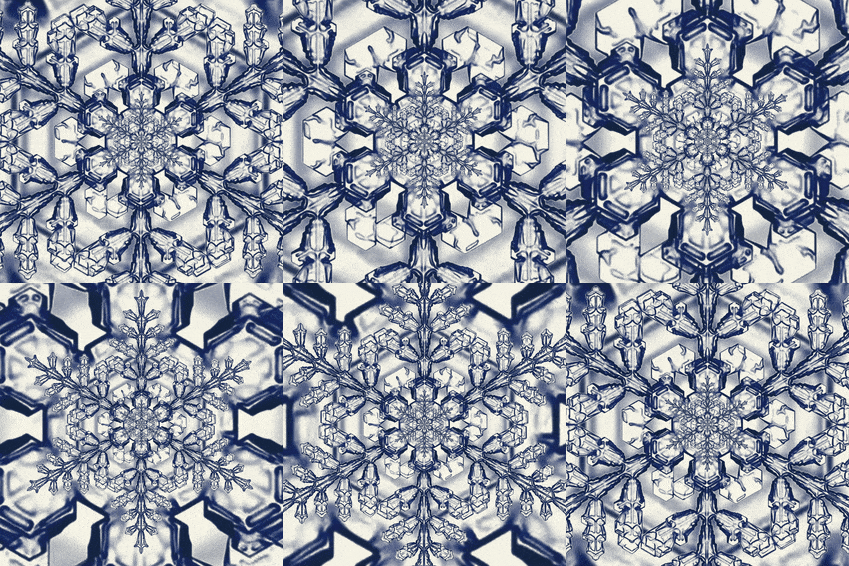
Hey there 👋 Do you remember the first time you ever saw a snowflake? ❄️
Did you also know that if you zoom into a snowflake, you will see the same shape over and over again, no matter how deep you zoom in.
Turns out, many objects have this same property, where they can be split into parts and each tiny part is a copy of the whole. We call them Fractals.
Pretty cool, right? But what's even more cool is that fractals can be defined mathematically following a super simple formula! One famous such set of fractals is called the Julia Set
A Fun Sequence to Work With
Before we get to the fractals, there are a few things we want to talk about.
So, in math, instead of dealing with numbers in a list, we can define a formula that looks like this:
$$z_{n+1} = z_n^2 + 1$$
This is called a sequence. Let's see how it works 😁
Calculating numbers
Step 1: choose an initial value $z_0$ :
Now, we can calculate $z_1$, and $z_2$, and so on:
2
z1 = z0^2 + 1
5
z2 = z1^2 + 1
26
z3 = z2^2 + 1
677
z4 = z3^2 + 1
And so on ..
Basically we calculate the next value by using the same function applied to the last value.
Fun Julia Alert!
Now check out this piece of cool Julia code. Can you guess what it does?
F(z) = z^2 + 1;
function Fⁿ(x, n)
	z = x
	for i in 1:n
		z = F(z)   # apply F, n times in a row
	end
	return z
end;
458330
zₙ = Fⁿ(z0, n)
💡 Did you guess what the code does?
Tip: Move both the $n$and the $z_0$ sliders around if you need help!
Show answer
The Sequence
Now let's put it together!
This code generate the whole sequence up to our chosen n and saves it in a list. If you're interested in how to use Julia methods to write compact code, check it out!
But no worries if you don't understand it, it's not necessary for the rest.
function create_sequence(initial_value, max_n)
	# Build the sequence one step at a time, starting from the initial value
	series = [initial_value]
	z = initial_value
	for i in 2:max_n
		z = F(z)          # next element: apply our function F
		push!(series, z)  # save it in the list
	end
	return series
end;
Change the initial value and n and observe how the series changes!
$z_0 =$
$n =$
1-10
sequence = create_sequence(initial_value, max_n)
👆 Click on the sequence to see all entries.
Divergence!
What happens when we keep doing this for a long time?
For most initial values, our numbers are always increasing and getting bigger and bigger, so they're going to infinity. We say the series diverges.
Fun Functions for a Fun Sequence
Now that you (hopefully) got the gist of that. Let's make it a bit more complicated.
Remember how we chose the formula $z_{n+1} = z_n^2 + 1$ before? Well, we can do this in a more general way as $z_{n+1} = z_n^2 + C$. Before, we had C = 1.
-1
C = -1
Let's define our function again in a more general setting
Fc(z, c) = z^2 + c;
Now let's use our code from above again with our new function this time.
function create_sequence_with_c(C, initial_value, max_n)
	# Same idea as before, but now our function also uses the constant C
	series = [initial_value]
	z = initial_value
	for i in 2:max_n
		z = Fc(z, C)      # next element: apply F with our constant C
		push!(series, z)
	end
	return series
end;
Try setting C = -1. What happens to our C_sequence (if you chance nothing else)?
If you noticed that we get a completely new sequence, that's correct!
But, how about if we set initial_value_with_c = 1. What happens? Do you notice anything special about this sequence?
✅ Answer
In this case, the series doesn't go to infinity but moves back and forth between 0 and -1, and so it doesn't diverge. It oscillates.
PS: The same thing happens if initial_value_with_c = 0
Now, to make things more fun, let's try more values of C and see if the same thing happens again.
To make it even more fun, let's make C a complex number!
If you don't know about complex numbers, that's okay. For now, we can think of C as a 2D point.
👇 Click anywhere to chose a point!
0.9 + 0.4im
c
Again, starting from a fixed initial value, let's watch the size of each term in the sequence. See how it changes completely for even very similar c values? Pretty cool right!
1.0 + 0.0im
new_initial_value = 1.0 + 0.0im
1122354245553630610571000000
new_sequence = let
	# Track the SIZE (magnitude) of each term — that's exactly what tells us
	# whether the sequence stays small (converges) or blows up (diverges).
	# We cap huge values so the list stays readable: a value of 1000000 means
	# "this term blew up".
	zc = new_initial_value
	sizes = Int[]
	for i in 1:15
		m = abs(zc)
		push!(sizes, round(Int, min(m, 1.0e6)))
		m > 1.0e6 && break         # stop once it has clearly diverged
		zc = Fc(zc, c)             # our function from above, now with a complex c
	end
	sizes
end
👆 Click on the sequence to see all entries.
Convergence?
Let's look at the size of the last term. Is it a small number (convergence), or something very large or NaN (divergence)?
1000000
last(new_sequence)
One last thing
Choose 2 of your favorite colors (ideally they should match each other 😉):
Now we have everything we need to construct a fractal from the Julia set.
Recipe: Julia Set picture
Choose a complex number $c$(on the left).
We define our favorite sequence $z_{n+1} = z_n^2 + c$
Now, we're going over all the imaginary numbers in a square around $0$, and for each:
Use the number as the initial value to compute a sequence.
If the sequence converges, we color the point gold.
If the sequence diverges, we color the point green.
👇 Drag the sliders to choose the constant $c = c_x + i\,c_y$, zoom, and detail!
$c_x =$
$c_y =$
zoom · detail
Bonus: the Mandelbrot set
The Julia set above fixes one constant $c$ and sweeps the starting point $z_0$ across the plane. The Mandelbrot set does the opposite: it starts every pixel at $z_0 = 0$ and uses the pixel's own coordinate as $c$. The result is the single most famous fractal in mathematics — and the same simple loop $z \\leftarrow z^2 + c$ draws it.
Pan with the centre sliders and zoom in to find miniature copies of the whole shape hiding along its edge.
centre $x$
centre $y$
zoom · detail
If you're interested to dive deep into the code, take a look below, it's so simple and straighforward and yet we can create so many beautiful things with it!
fractal_figure (generic function with 1 method)
Appendix
escape_color (generic function with 1 method)
ComplexNumberPicker (generic function with 1 method)